Dynamico Systems launches Shell Element Designer
Version 1.0 of Shell Element Designer is released: automated, code-compliant design of reinforced concrete walls and slabs, with every step of the working on the table.
Today we release version 1.0 of Shell Element Designer, the first product from Dynamico Systems. It takes the completed results of a finite element analysis and designs every wall and slab element, for every load case, to your chosen design code, and then shows you exactly how it got there.
We started building it in 2019 because we were tired of design software that hides its workings. Dynamico Systems Limited was incorporated in November 2020, and after a period of testing with engineers the first release version was finished in January. Version 1.0 is the product we are now making available to teams.
What it does
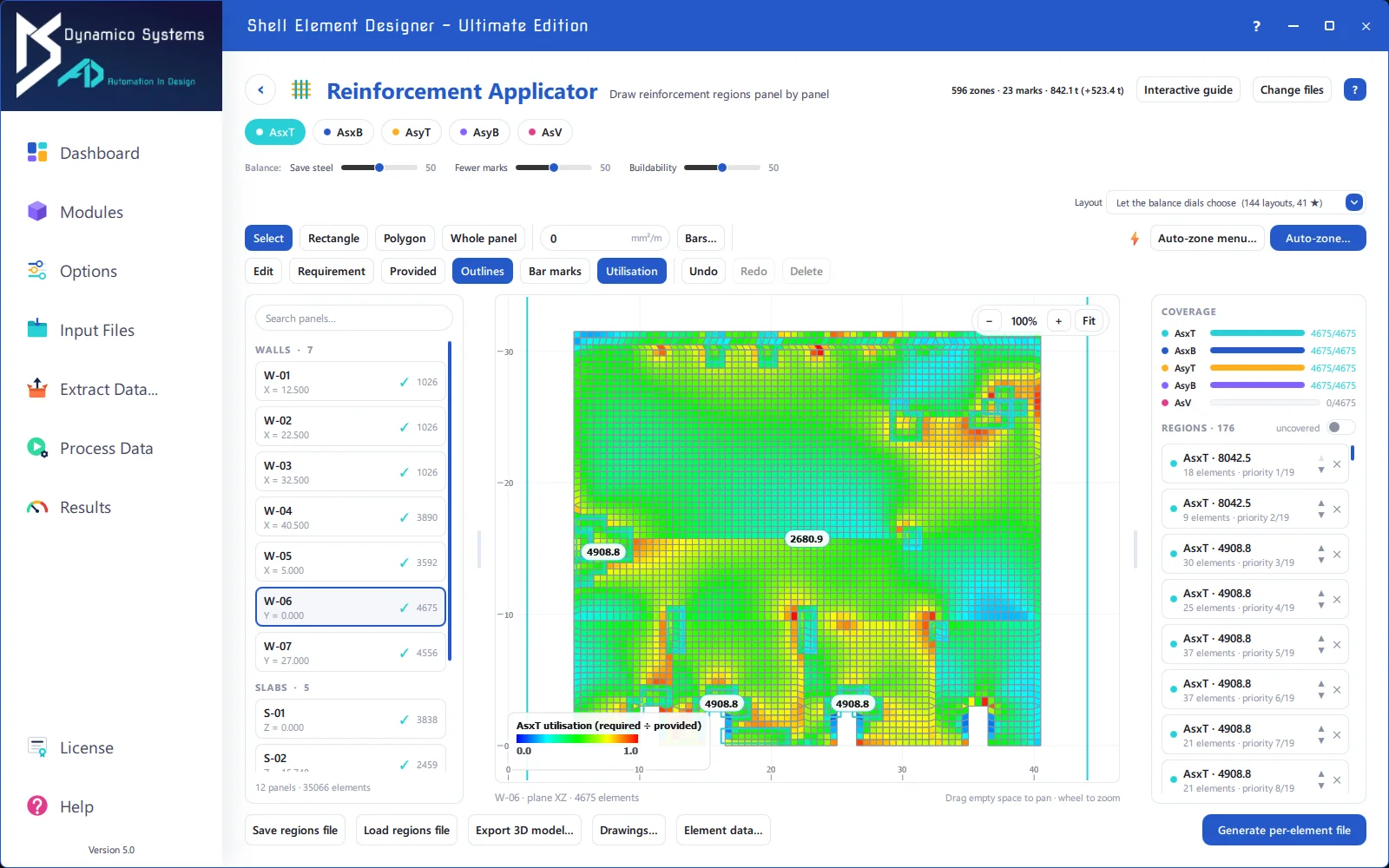
Shell Element Designer reads plain-text files describing your elements, nodes and forces, recognises the walls and slabs in the model automatically from the bare geometry, and designs each element. It does not perform structural analysis; it works from the analysis you already trust.
- Flexural design to Eurocode 2, with required reinforcement and utilisation ratios for both faces in both directions.
- Crack width checks to Eurocode 2 against code and user-specified limits.
- Shear design to ACI.
- Code-independent design with the Clark-Nielsen sandwich method.
- Utilisation ratio and provided reinforcement modules, to check the reinforcement you have actually specified.
Nothing hidden
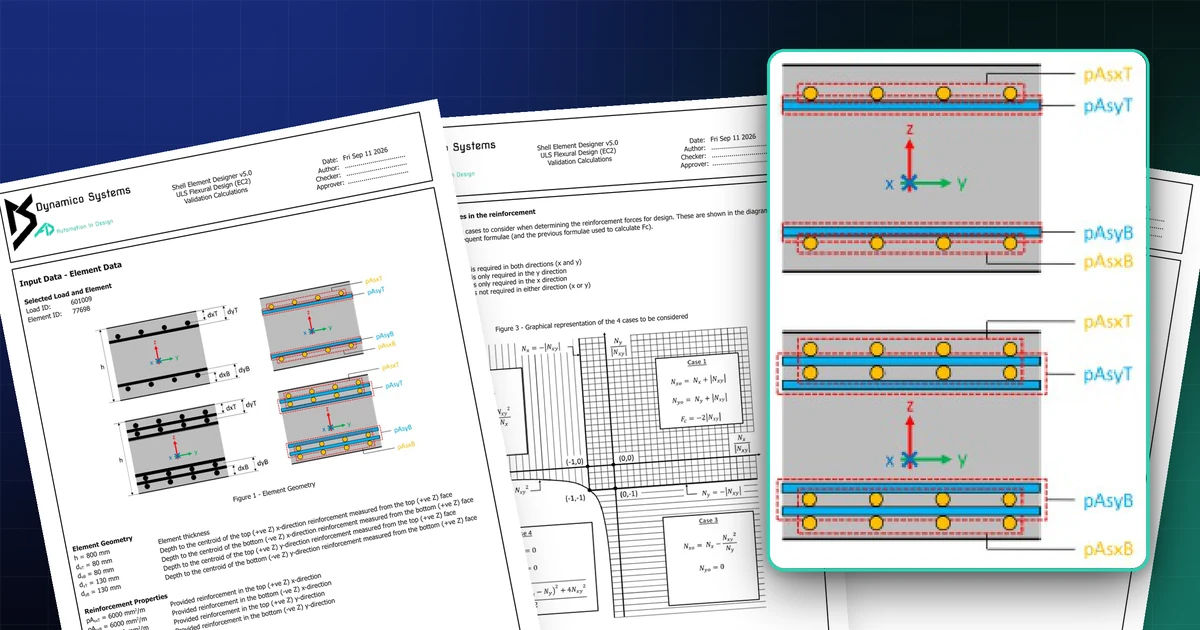
Every run produces graphical PDF contour plots for every panel, including skew panels, and the complete results data in human-readable files. For any element and load case you choose, the software also writes a step-by-step validation calculation in hand-calc style, currently for Eurocode 2 flexural design, crack widths and ACI shear. A checker can follow every number.
Editions
Shell Element Designer is available in three editions, Basic, Professional and Ultimate, with a searchable user manual built in and automatic update checks on start-up. Runs can also be scripted in batch mode.
If you would like to see it on one of your own models, book a live demo or request a free trial.