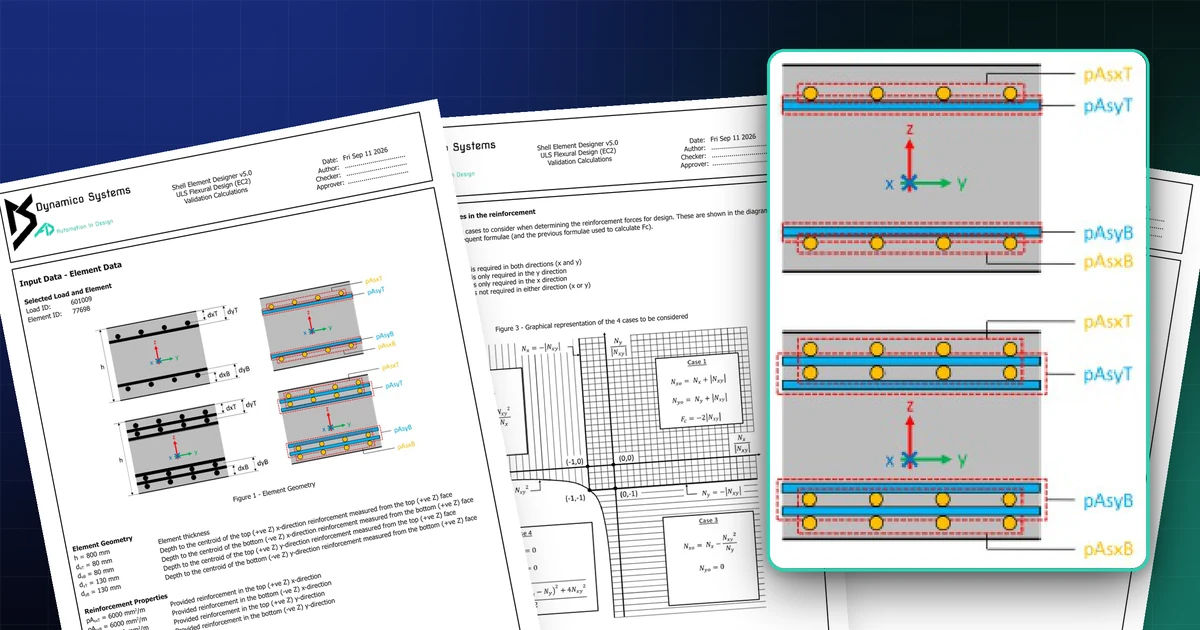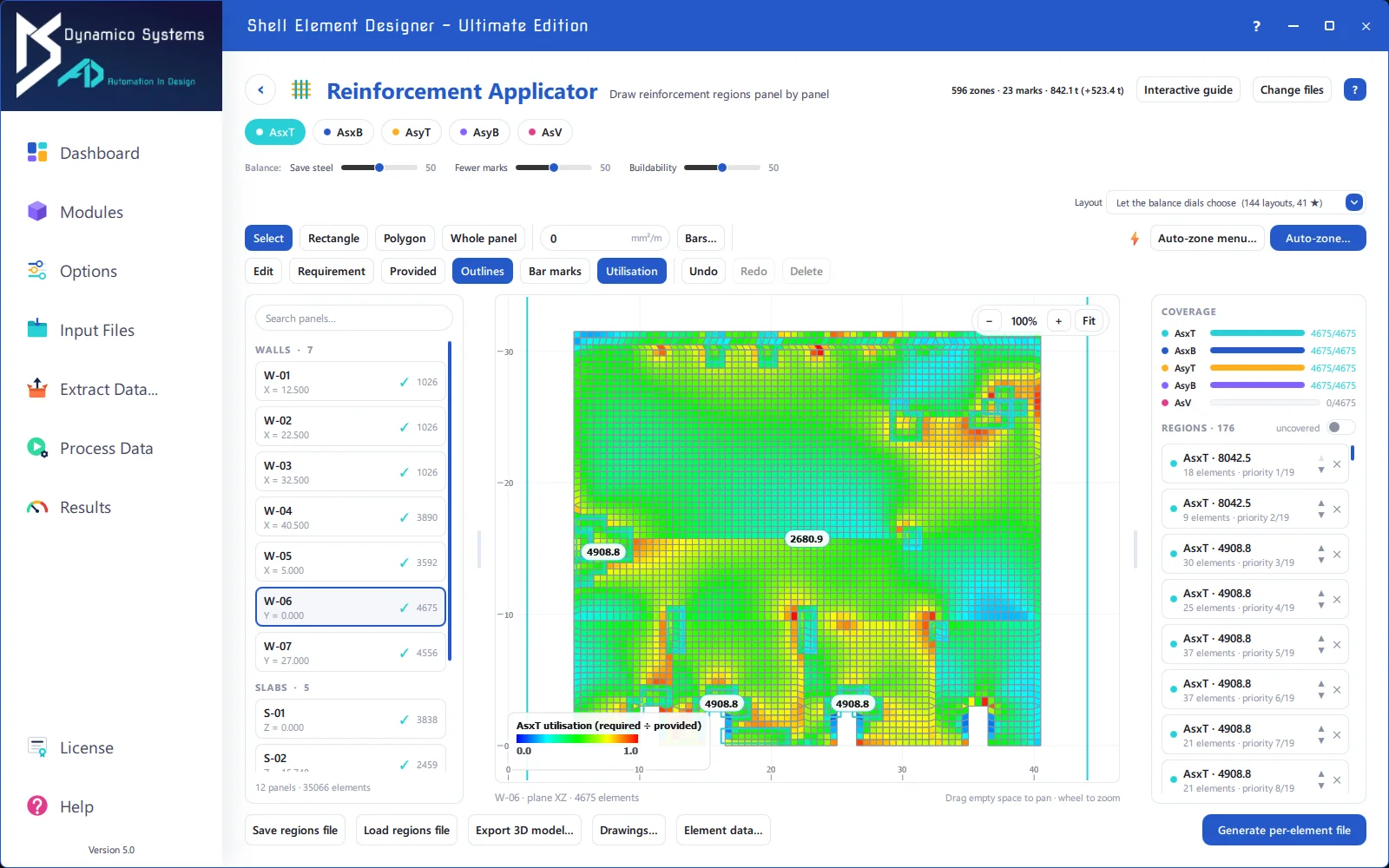
Shell Element Designer 2.0: the EzyWizard and ACI design
Version 2.0 adds the EzyWizard to guide new users step by step, ACI flexural design with a per-element reinforcement search, and ACI long-term deflections.
Four months after launch, Shell Element Designer 2.0 is out. It makes the software easier to pick up and extends it well into the ACI family of codes.
The Dynamico EzyWizard
New users told us the hardest part was the first run: which files, which module, which options. The EzyWizard now walks you through a design in numbered steps, from choosing the module to selecting the input files and options, and hands you a finished run at the end. Experienced users can ignore it; everything it does is still available directly.
ACI flexural design
Flexural reinforcement design to ACI joins the Eurocode 2 and code-independent modules. Each element carries its own reinforcement search: you set a start percentage, an end percentage and a step in the element data file, and the software iterates through that range until the element works or the maximum is reached. Because the search is defined per element, you can tailor it to thick walls and thin slabs in the same model.
ACI long-term deflections
A new module checks long-term deflections to ACI against code and user-specified limits, so serviceability sits alongside strength in the same workflow.
Still an open box
As with every module, the outputs are plain, human-readable files and graphical plots, so you can see exactly what the software did with your model.
Existing customers receive 2.0 as a free upgrade. Get in touch if you would like a walkthrough of the new modules.